Nearly a year ago, we looked at 5 Ways to Use Treehouse to Speed Your Design. We were naive, full of wet noodles and thought it was just a neat little tool to set up assemblies. Turns out it was actually an CAD-app symbiote festering as a larvae waiting to take on full-scale assembly management.
Oh yes, shake your head. But there’s something going on here. Treehouse V2 is available for download and it got a lot more functionality. Let’s take a look at what’s new and then run through the wooded lot of sharpened speculation.
Some Treehouse Background
For those that don’t know, Treehouse is a SolidWorks Lab experiment in visual assembly management. It allows you to create, arrange and (now) modify SolidWorks Parts and Assemblies.
What’s new in version 2?
These are a few new features you’ll find that really change what you’re able to do with this little program. All of these allow to manage your assembly without opening it and in some ways make the process much easier.
- Import SolidWorks Files
- Modify SolidWorks Files
- Use Your Template Files
- Change Instances
- Change Suppression
- Add/Change Configuration
- View/Update Custom Properties
- Export to SolidWorks or Check into PDM
What You’ll See
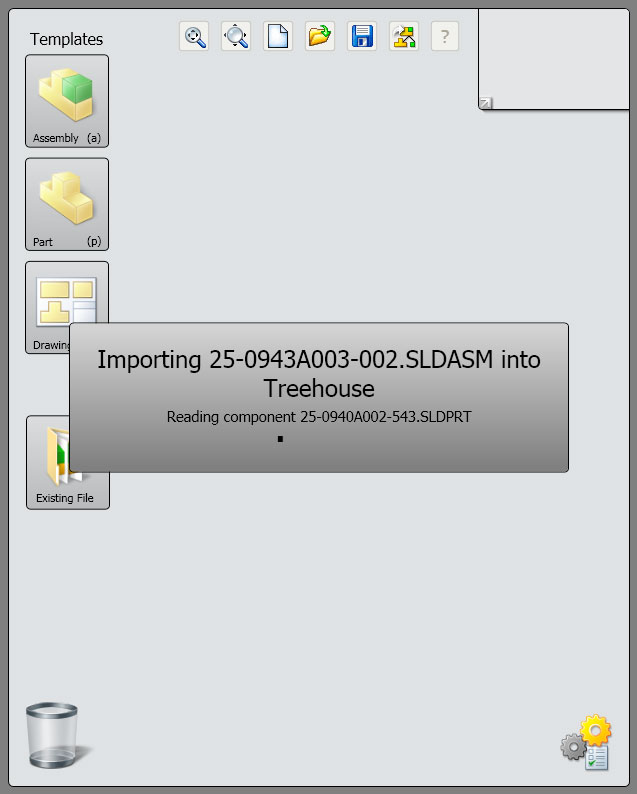
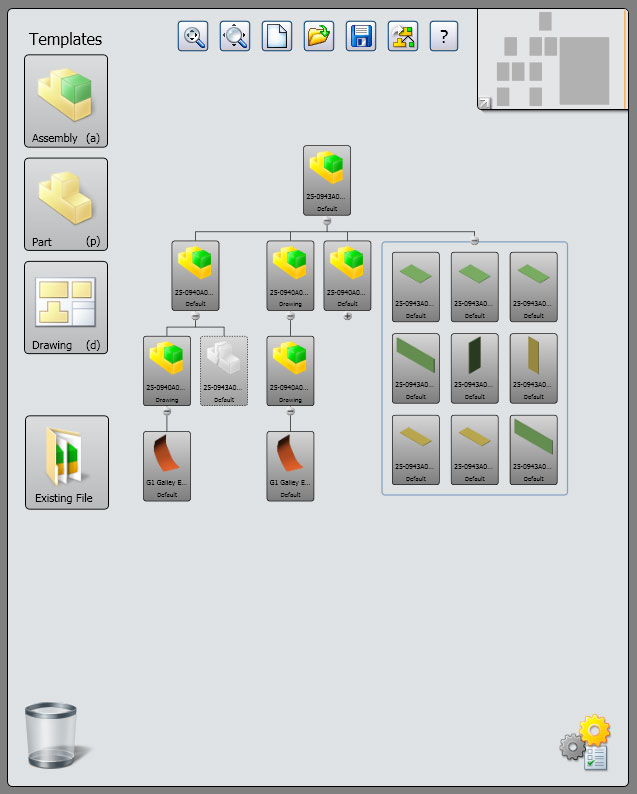

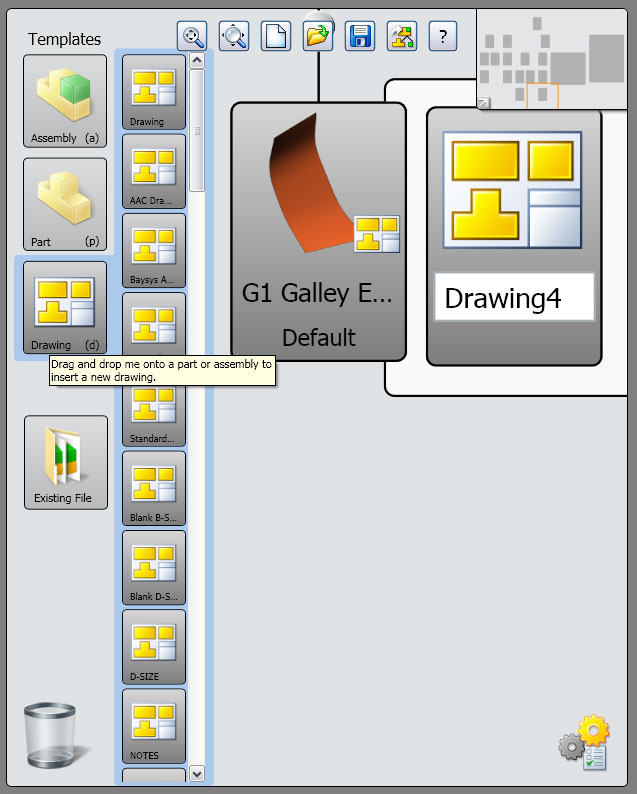
Treehouse: Future FrameWork for Smarter Design?
Now, all the new features are nice – they make the program way more functional that previously – but you can’t help wonder what’s next. Obviously there’s been enough interest that a this new version was developed. When you use it, there’s definitely an app-like (as in iPhone app) feel to it. Not to say this will be or could be a future Mobile app, but when you see programs like this that add functionality that the main program doesn’t have while making it easier, there’s bound to be something going on in the heads of the developers.
Most product development companies, including SolidWorks, are up on what’s going on around mobile, web and interface tech. There are forces in each of those pushing UI with stronger functionality and a simpler approach. My guess is that we’re seeing groundwork laid for future design apps. Not necessarily mobile or web apps, but programs that are delivered and used as such. If development continues on apps like SolidWorks Treehouse, apps that make it easier to plan and manage data, we’re eventually bound to see some that begin to apply actual geometry development.