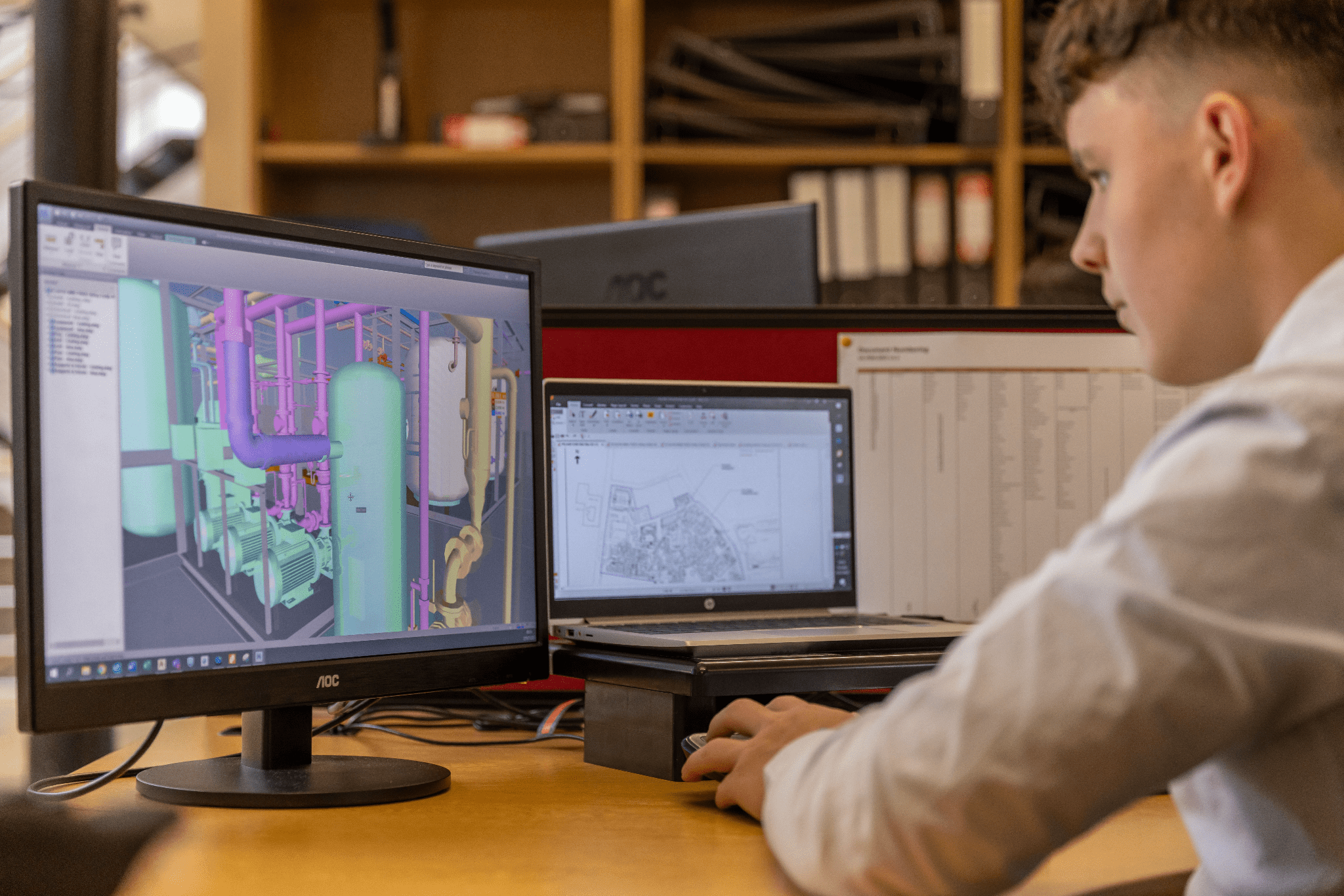
Machine learning is rapidly becoming one of the most powerful tools available to CAD professionals, helping automate repetitive tasks, optimise designs, and accelerate engineering workflows. For CAD professionals, it’s the next big step in design and engineering. It goes way beyond simple scripts and macros, bringing intelligent automation and data-driven creativity into play. When you bring ML into your workflow, it can change how you handle everything, from everyday tasks to complex simulations. This frees you up to really focus on new ideas.
If you’re ready to look past the buzz and see how ML actually works, this guide will show you how it’s changing the CAD world and what you can do to start applying it effectively.
Automating Repetitive CAD Tasks
Every designer knows the pain of repetitive, low-value tasks. Think about cleaning up imported geometry, adding standard fillets and chamfers, or making 2D drawing views. While scripts can automate fixed steps, machine learning takes things further. An ML model can learn from what you’ve done in the past to guess what you’ll do next.
For example, an algorithm could look at thousands of your old designs to figure out how you usually deal with certain geometric problems or place standard parts. Over time, it can start suggesting or even automating these actions with a lot of accuracy. It’s like having a smart assistant that understands your personal design style. Major software companies are already looking into ways to combine Forge and Machine Learning to solve these exact problems, turning hours of boring work into just minutes.
Building Your ML Expertise
Playing around with ML features in your CAD software is a good start. But to really get the most out of it, you need to understand the basic ideas behind it. This doesn’t mean you have to become a full-time programmer. Still, understanding how algorithms learn from data is crucial for using them effectively in engineering.
Building this expertise means going beyond simple tutorials and getting into more structured learning. When you understand concepts like neural networks, regression, and classification, you can pick the right ML approach for a specific design challenge. As machine learning becomes increasingly embedded in engineering software, understanding the principles behind these systems is becoming a valuable skill for CAD professionals. If you’re serious about being a leader in this new field, getting a formal qualification like an artificial intelligence master degree can give you the core knowledge you need. This will help you build and use custom ML solutions for complicated design and manufacturing processes. This kind of expertise is what separates people who just use ML tools from those who create ML-driven solutions.
Data-Driven Design Decisions
One of the most exciting things machine learning brings to CAD is generative design. This completely flips the usual design process. Instead of designing something and then testing it, you start by defining the problem. You put in parameters like materials, how it will be made, what loads it needs to handle, and cost limits.
The ML algorithm then explores every possible solution, creating hundreds or even thousands of optimised design options that fit your criteria. This lets you find creative and often unexpected solutions that a human designer might never have thought of. It’s a powerful example of design automation for CAD experts. The designer’s role shifts from drawing things to choosing the best optimised options. You guide the process and make the final creative and strategic decisions based on proposals backed by data.
Optimising Simulation and Analysis
Finite Element Analysis (FEA) and Computational Fluid Dynamics (CFD) are super powerful, but they’re also known for using a lot of resources and taking a long time. Running just one detailed simulation can take hours or even days, which slows down the design process.
Machine learning offers a way to speed this up dramatically. By training an ML model on results from past simulations, you can create a tool that predicts analysis results almost instantly for new design variations. This “surrogate model” doesn’t completely replace detailed simulations. Instead, it acts as a quick first check. It lets you explore many more design changes quickly, saving the full, detailed analysis for only the most promising ideas.
Practical ML Tools for Designers
Machine learning isn’t just a theory anymore; it’s already built into many tools you probably use. The best way to understand its impact is to try it out yourself.
- Autodesk Fusion 360: Its generative design workspace is a great example of ML in action. It lets users define problems and get optimised design results.
- SOLIDWORKS: Features like “Selection Helper” use machine learning to guess which other items you might want to select based on your first choices.
- nTopology: This platform was built from the ground up on advanced computational modelling, using algorithms to create complex, high-performance parts that would be impossible to design by hand.
- PTC Creo: The Creo Generative Topology Optimisation extension offers similar capabilities, helping engineers create optimised product designs based on functional goals and limits.
Looking into the ML-powered features in your favourite software is the quickest way to start using these advanced techniques in your daily work.
Getting good at machine learning is becoming a key skill for designers and engineers. By automating boring tasks, using data to make creative choices, and speeding up analysis, it lets you put your expertise where it matters most: making better products.