

You never would have thought it, but SolidWorks is extremely useful for creating 3-dimensional graphics for web and print design. Frank Parenteau has been doing it for years and SolidWorks is right there on the shelf to Photoshop. There’s even a trick you can use to get pixel perfect sizes in SolidWorks. Here’s how Frank makes it happen.
The process
Frank starts out with concept sketches to get the basic layout of the logo, site or whatever he is creating. From there, he scans the images and proceeds to model it using SolidWorks. Depending on what kind of look he’s trying to get, he’ll take it into PhotoWorks for some quick rendering and works with the camera angle/perspective to get an angle. This is particularly useful for logos and icons.
After he gets the 3D effect he likes, he saves out a .PSD file from SolidWorks and opens it with Photoshop. He’ll make image adjustments and add filters to the graphic, test out text and layout for the image. If it’s an entire site layout, he’ll add slices which allows him to crop the views and have them line up correctly online. Finally, he saves it out each graphic for use on the web. Here’s the steps.
- When starting any kind of design work, i aways start with sketches. First by drawing pretty much anything that comes to mind, then focusing on the ideas i like and refining them.
- For a website, i usually start out with a blank Photoshop file, and just position the basic elements, width, header height, content area dimensions, where the logo will be, etc.
- I will then import that image in a Solidworks sketch, and basically draw the elements i want, exactly where they would be, as i would in Illustrator for exemple.
- Then comes the rendering part, it’s really a case by case scenario, but it always involves trial and error, finding the right texture file, the perfect lighting, and making sure it doesn’t look “3D”.
- I render to file at a much higher resolution, then scale it back in my initial Photoshop layout.
- Lather, rince and repeat for any other element.
Why did Frank choose SolidWorks?
I am a big Solidworks user and believer, and i always try to push the limits of the software, especially the rendering engine. I quickly found out it was way much easier for me to draw shapes and layouts using the Solidworks sketch features, than it would of taken me to figure it out in Illustrator. Add the fact that you have an exact pixel to mm ratio, and you have the perfect tool for a graphic artist.
The SolidWorks Graphic Design pixel trick
The pixel to mm ratio is really helpful, as i can start a layout in Photoshop, get my overall dimensioning (in px), and when i do my stuff in SolidWorks, i know that after I re-scale my render, it will fit exactly where I wanted. A 10mm radius will equal a 10px corner.
Graphic Design Examples
The Fallen

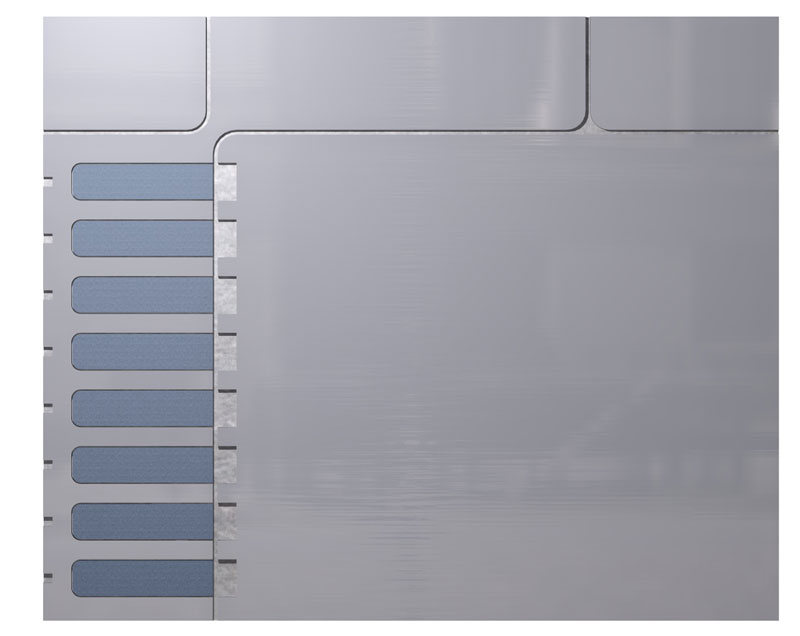
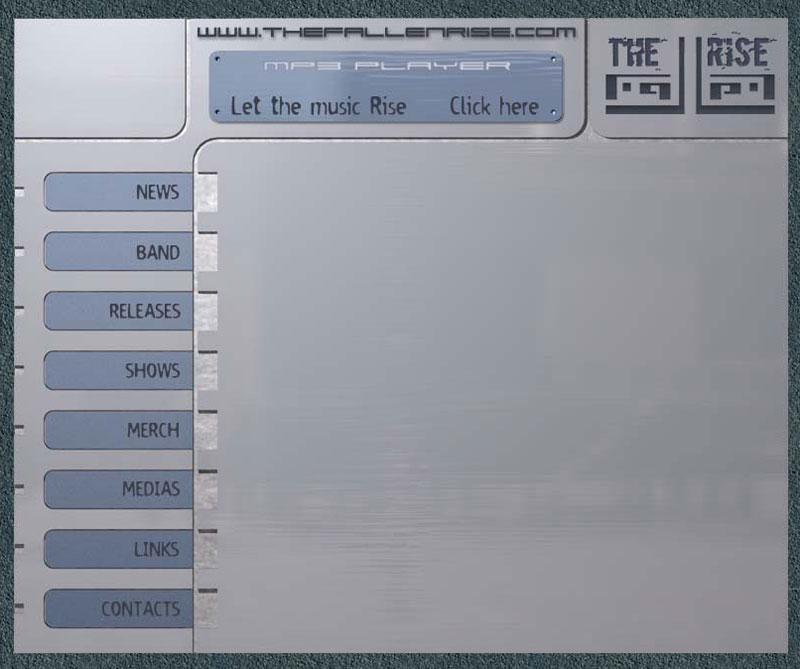
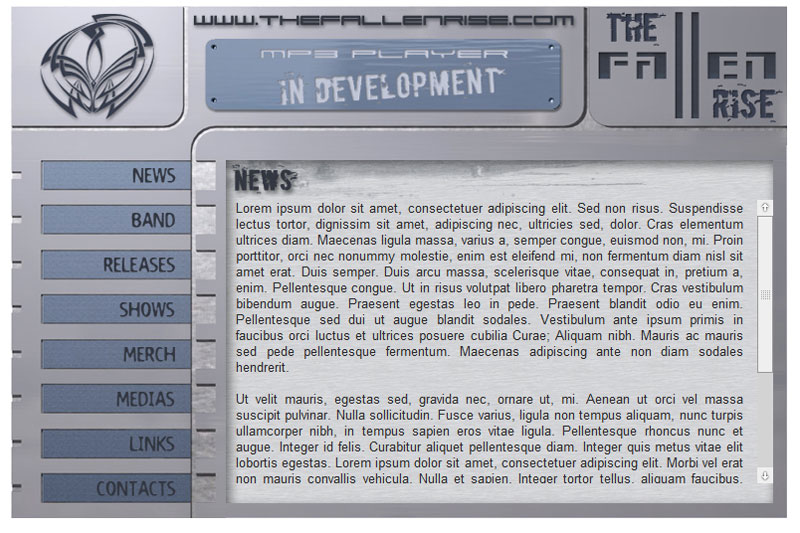
Jazz Media


Nymoda
Here’s another example from a new site he is working on http://www.nymoda.ca/. The embossed white circle is actually a photoworks render.

- Nymoda site graphic. Created using SolidWorks

The SolidSmack logo just so happens to be created using SolidWorks. Have you ever used SolidWorks or 3D CAD to produce 3D graphics for web or print?



